Create Post/Story
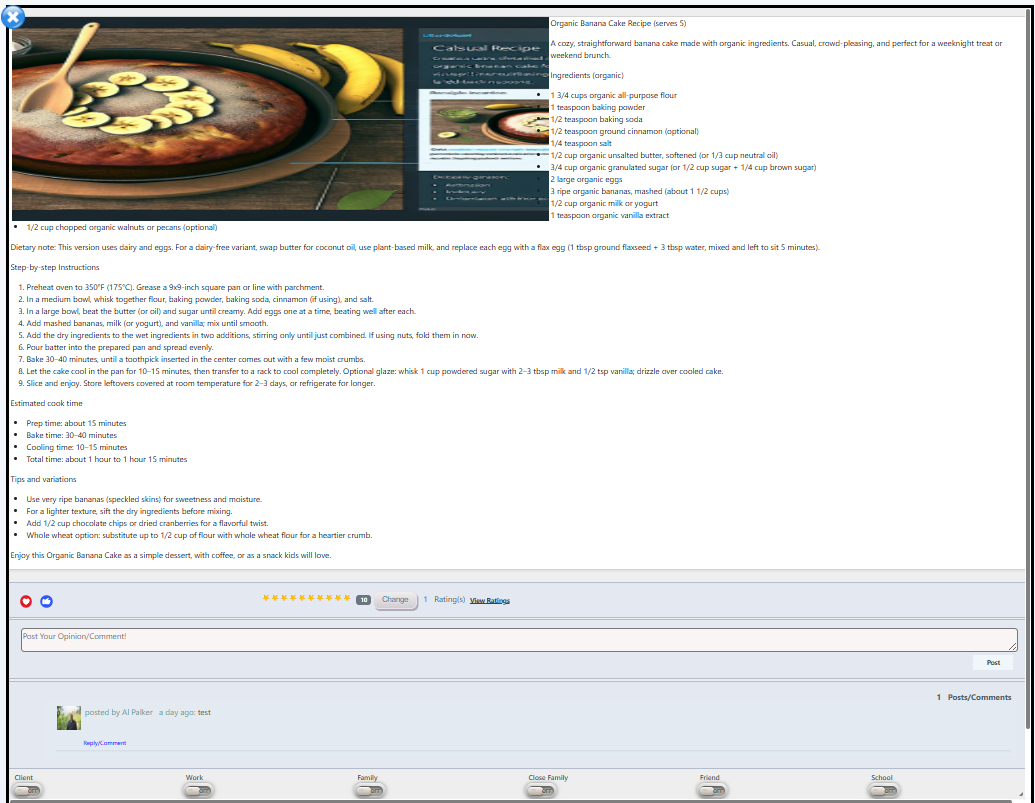
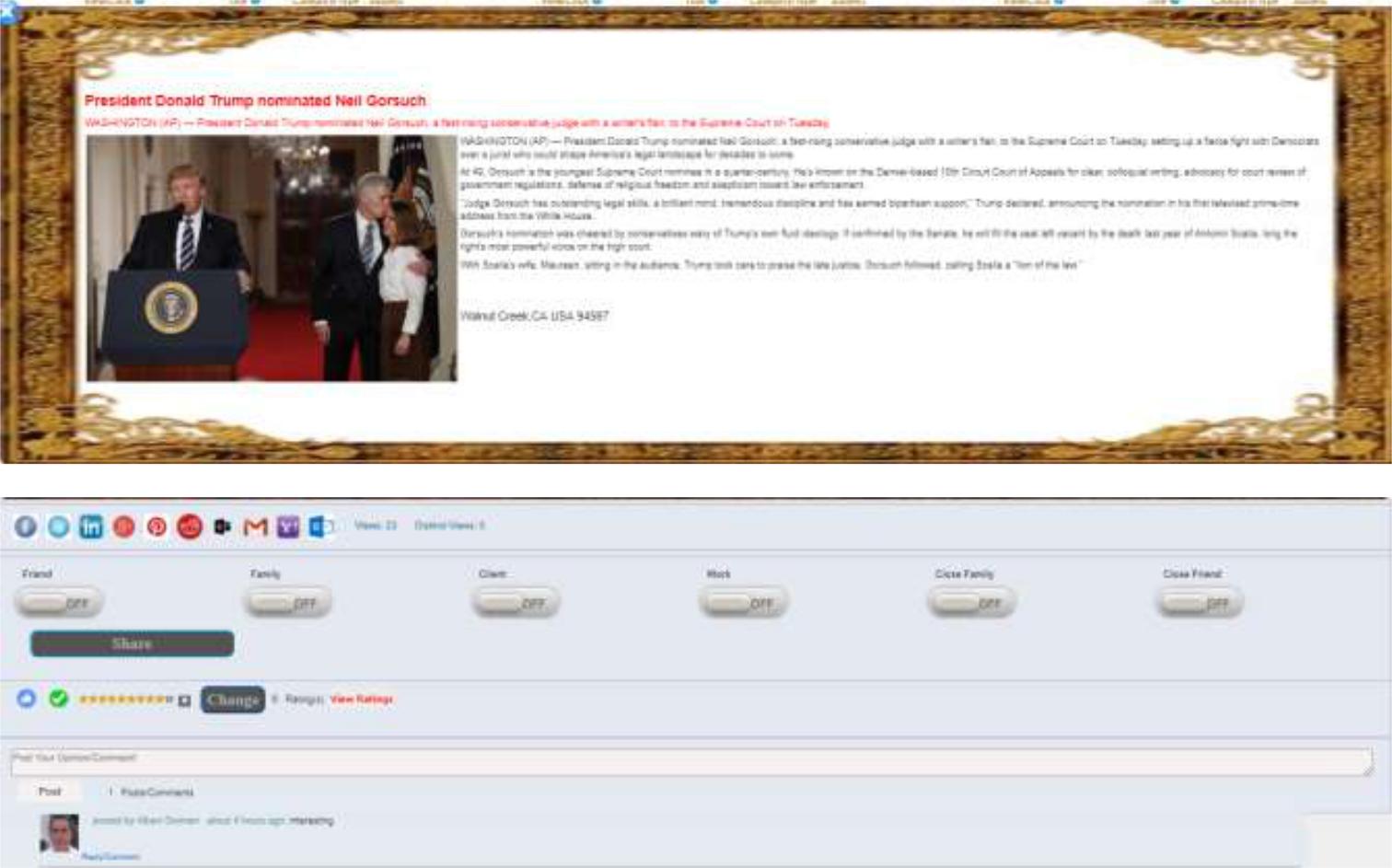
When you click on a post/story, the post will pop up and you can interact with the post/story. The following is an example of a popup post/story:
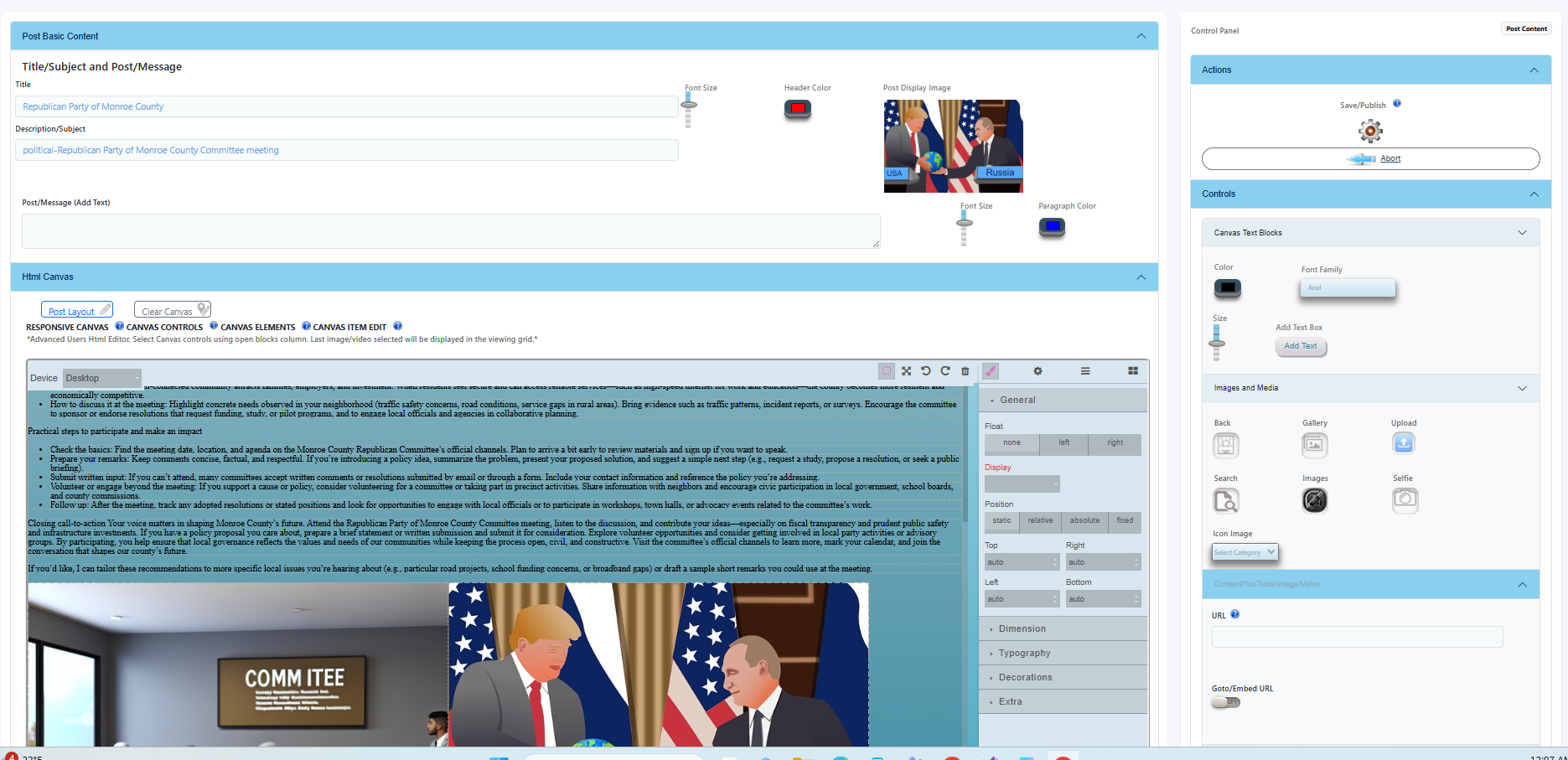
- Use AI Generator and enter basic subject data and then press Generate Content or Image. After saving generated content you can publish!
- Select Post Type and enter basic data then save. After saving you can publish!
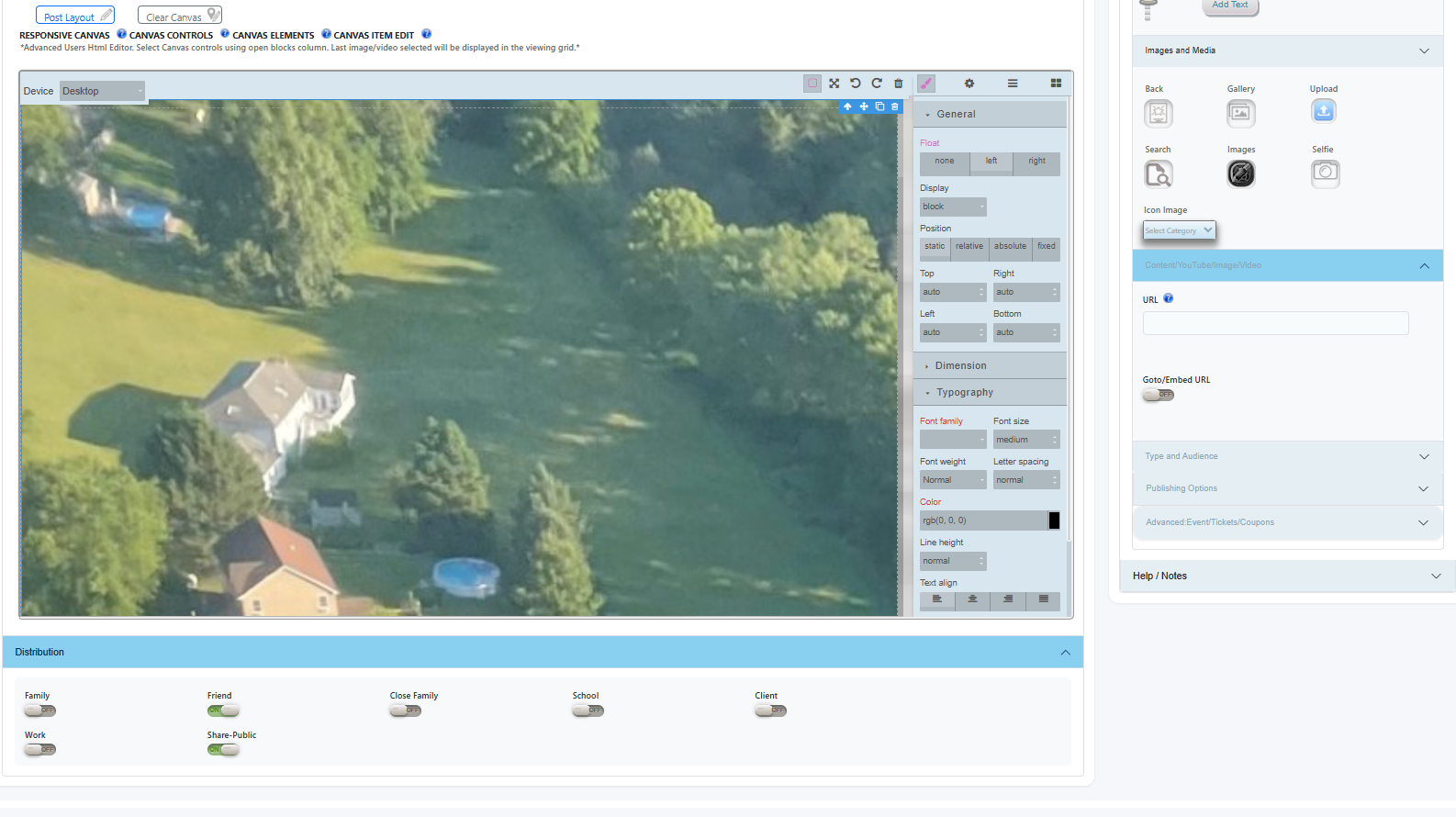
- Try different backgrounds and images.
- Upload images or enter Url.
- Select Distribution switches. Public is the most common switch!
Post/Story Popup